 0
0
 0
0
Dell SupportAssist BSOD crashes have become a major concern for Windows users after Dell officially confirmed that its SupportAssist software is responsible for triggering blue-screen crashes on some systems running Windows 10 and Windows 11.
The issue began attracting attention after many Dell customers reported random system reboots, blue-screen errors, and repeated crashes affecting laptops and desktops over the past few days. Dell has now acknowledged the problem and advised affected users to uninstall or disable the problematic service while engineers work on a permanent fix.
The incident has raised fresh concerns about software reliability and the risks associated with automatic system management tools that come pre-installed on many PCs.
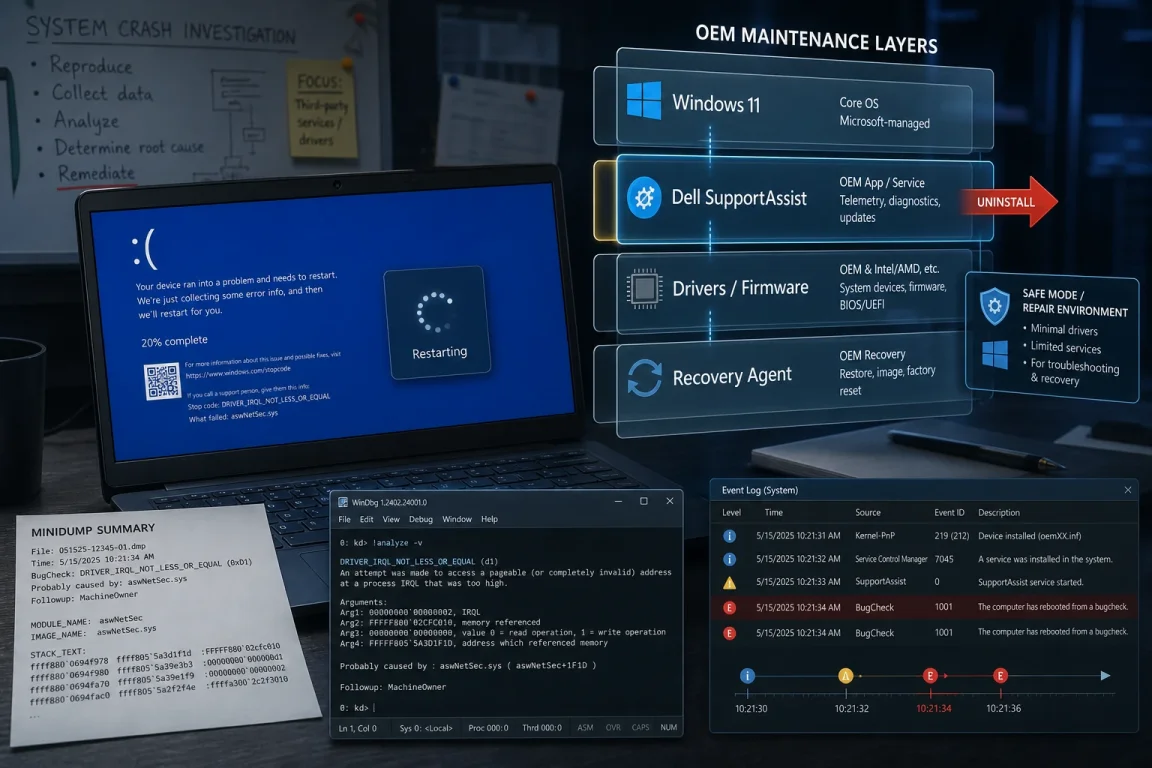
Dell Confirms SupportAssist Software Issue
Dell stated that the crashes are linked to version 5.5.16.0 of the Dell SupportAssist Remediation service and Alienware SupportAssist Remediation service.
According to information shared on Dell’s official support forums, the problematic update causes systems to display the error:
“0xEF_DellSupportAss_BUGCHECK_CRITICAL_PROCESS”
The company explained that its engineering team is already investigating the issue and working toward releasing a proper solution.
SupportAssist is a diagnostic and maintenance tool installed by default on many Dell and Alienware computers. The software is designed to help users update drivers, monitor system health, optimize performance, and recover systems after failures.
However, the latest update appears to have caused instability on certain Windows devices.
What Users Are Experiencing
Many affected users reported that their computers suddenly restart without warning before displaying a Blue Screen of Death (BSOD).
Common Symptoms Reported
Users experiencing Dell SupportAssist BSOD crashes have reported:
- Sudden blue-screen errors
- Random system restarts
- Boot failures
- System instability
- Frequent crashes during normal use
Some users also claimed their computers entered repeated reboot cycles, making the systems difficult to use.
Windows 10 and Windows 11 Systems Affected
The issue appears to affect both Windows 10 and Windows 11 devices.
Several Dell laptop and desktop models have reportedly experienced the crashes, including:
- Dell Latitude series
- Dell Vostro laptops
- Alienware gaming systems
- Other Dell consumer PCs
Dell has not yet released a complete list of affected devices.
Dell Advises Users to Remove SupportAssist
As a temporary workaround, Dell recommends uninstalling the affected SupportAssist Remediation service.
How to Remove the Faulty Software
Users can uninstall the service by following these steps:
- Open Windows Settings
- Navigate to Apps
- Click Installed Apps
- Locate:
- Dell SupportAssist Remediation
- Alienware SupportAssist Remediation
- Click Uninstall
Dell noted that many customers have successfully stopped the crashes after removing the software.
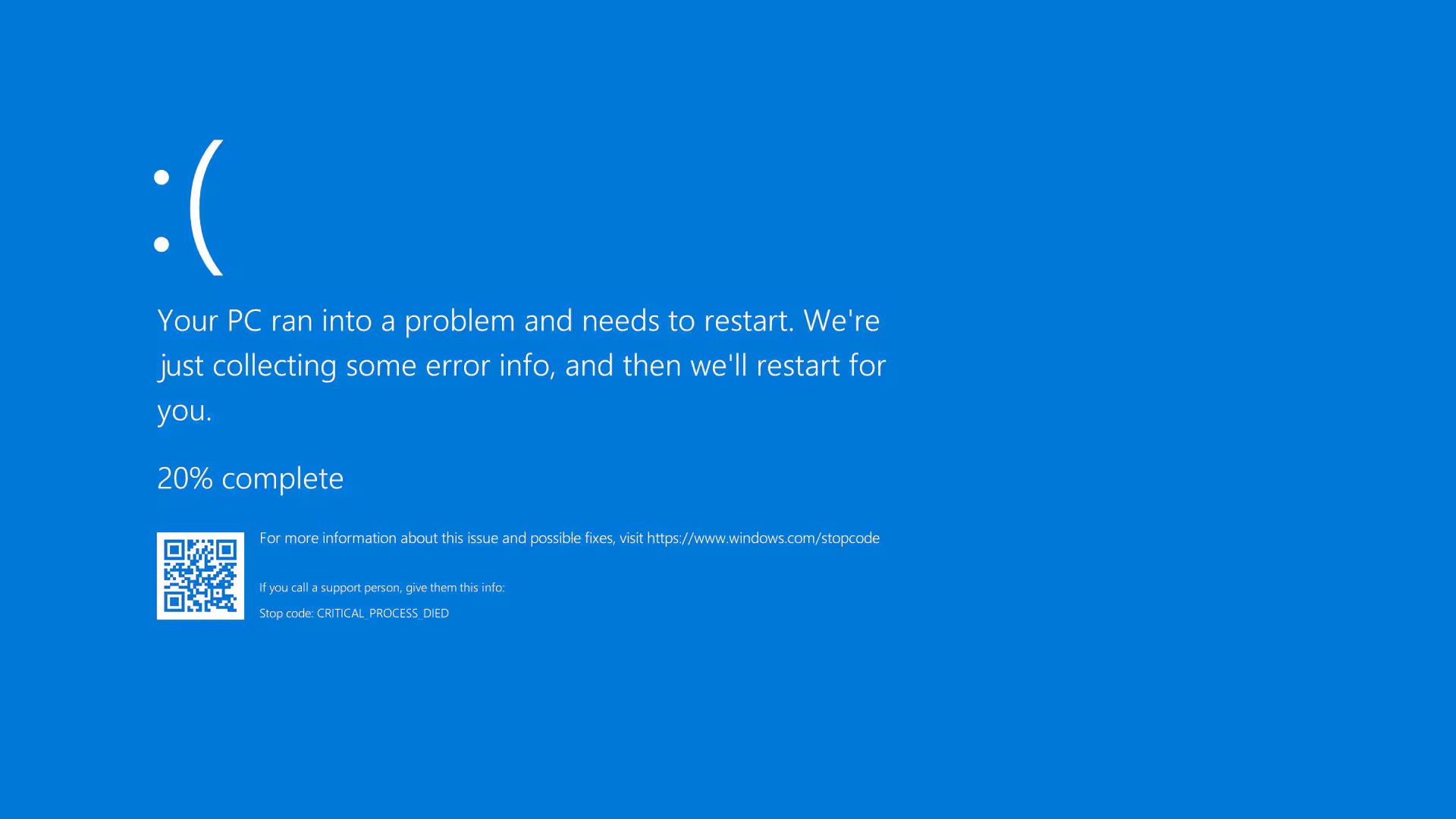
Important Warning From Dell
The company warned that uninstalling the service could affect system recovery features.
Dell explained that some recovery points created through Dell OS SupportAssist Recovery may no longer be available once the software is removed.
Users are therefore encouraged to back up important files before making changes to their systems.
Why Dell SupportAssist Is Important
SupportAssist is widely used across Dell’s ecosystem because it automates system maintenance tasks.
Main Features of SupportAssist
The software typically helps users with:
- Driver updates
- Hardware diagnostics
- System optimization
- Malware scanning
- Automatic troubleshooting
- Recovery assistance
Because it comes pre-installed on many devices, millions of users globally rely on the application without manually installing it.
The Dell SupportAssist BSOD crashes issue has therefore affected a large number of customers simultaneously.
This Is Not Dell’s First Software Problem
This latest incident is not the first time Dell software has caused serious problems for users.
Previous SupportAssist Problems
In April 2025, Dell warned users about another SupportAssist-related problem affecting Latitude and Vostro laptops after upgrading to SupportAssist for Home PCs versions 4.6.2 and 4.6.3.
At the time, users also reported blue-screen errors and system instability.
BIOS Update Issues in Earlier Years
Dell customers also experienced major problems in 2021 after BIOS updates reportedly prevented some systems from booting properly.
Affected devices included:
- Dell Latitude laptops
- Dell Inspiron desktops
- Alienware Aurora systems
Many users at the time had to manually downgrade their BIOS versions to restore functionality.

Security Concerns Around SupportAssist
Beyond software stability issues, security researchers have also raised concerns about vulnerabilities within Dell SupportAssist.
BIOSConnect Vulnerabilities
Security experts previously discovered flaws in the BIOSConnect feature of SupportAssist that could potentially allow attackers to remotely execute malicious code within a device’s BIOS.
Such vulnerabilities are considered serious because BIOS-level attacks can compromise systems before the operating system even loads.
Dell later released security patches to address those vulnerabilities.
Why BSOD Errors Matter
Blue Screen of Death errors are among the most severe system crashes on Windows computers.
What Happens During a BSOD
When a BSOD occurs:
- Windows abruptly stops operating
- Unsaved work may be lost
- The computer automatically restarts
- Hardware or software damage risks increase
Frequent BSOD crashes can make a system unreliable for work, gaming, content creation, or business operations.
Businesses Could Also Be Impacted
Organizations using Dell systems in offices or enterprise environments may face disruptions if many devices are affected simultaneously.
Because SupportAssist is commonly installed by default, enterprise IT departments may now need to audit devices and remove the problematic version manually.
Dell Engineers Working on Permanent Fix
Dell says its engineering teams are actively developing a permanent fix for the issue.
The company has encouraged affected users to continue monitoring official support channels for updates regarding:
- Software patches
- New SupportAssist versions
- Additional troubleshooting steps
- Compatibility fixes
At the moment, uninstalling or disabling the remediation service remains the primary recommended workaround.
How Users Can Protect Their PCs
While waiting for Dell’s permanent solution, users can take several precautionary steps.
Recommended Safety Measures
Users should consider:
- Backing up important files
- Removing the faulty SupportAssist version
- Installing future updates carefully
- Creating manual restore points
- Monitoring Dell support advisories
Keep Windows Updated
Keeping Windows fully updated may also help reduce compatibility problems and improve overall system stability.
Users experiencing continued crashes after uninstalling SupportAssist are advised to contact Dell support directly.
Growing Debate Over Pre-Installed Software
The Dell SupportAssist BSOD crashes incident has also renewed criticism of pre-installed software often included with Windows PCs.
Some users argue that unnecessary bundled applications can create performance, privacy, or reliability concerns.
Others believe diagnostic software remains useful when properly maintained and securely updated.
The situation highlights the ongoing balance manufacturers must maintain between offering helpful features and ensuring system stability.
FAQ
What is causing Dell SupportAssist BSOD crashes?
Dell confirmed that version 5.5.16.0 of the SupportAssist Remediation service is triggering blue-screen crashes on some Windows systems.
How do I fix Dell SupportAssist BSOD crashes?
Dell recommends uninstalling the Dell SupportAssist Remediation or Alienware SupportAssist Remediation service through Windows Settings.
Which Windows versions are affected by Dell SupportAssist crashes?
Both Windows 10 and Windows 11 systems have reportedly been affected by the crashes.
Is Dell working on a permanent solution?
Yes, Dell says its engineering team is actively working on a permanent fix for the issue.
Dell SupportAssist BSOD crashes have become a serious issue for many Windows users, especially because the software comes pre-installed on millions of Dell devices. While Dell has acknowledged the problem and provided a temporary workaround, users are still waiting for a full fix. Until then, affected customers are advised to remove the faulty software version, monitor official updates, and back up important data to avoid further disruptions.
PLEASE CLICK HERE FOR MORE NEWS