 0
0
 0
0
The issue of wifi router interference gadgets is one of the most overlooked reasons behind slow or unstable internet connections in homes. Even with a high-speed internet plan, performance can drop significantly if your router is surrounded by devices that disrupt wireless signals.
Modern Wi-Fi routers rely on radio frequencies to transmit data. When other electronics operate on similar frequencies or generate electromagnetic noise, they can weaken or distort the signal. This leads to slower downloads, buffering during streaming, and frequent connection drops.
How interference affects performance
- Weakens Wi-Fi signal strength
- Causes unstable connections
- Reduces download and upload speeds
- Increases latency during gaming or video calls
In many cases, users assume their internet provider is responsible, when in reality the placement of wifi router interference gadgets is the main cause.
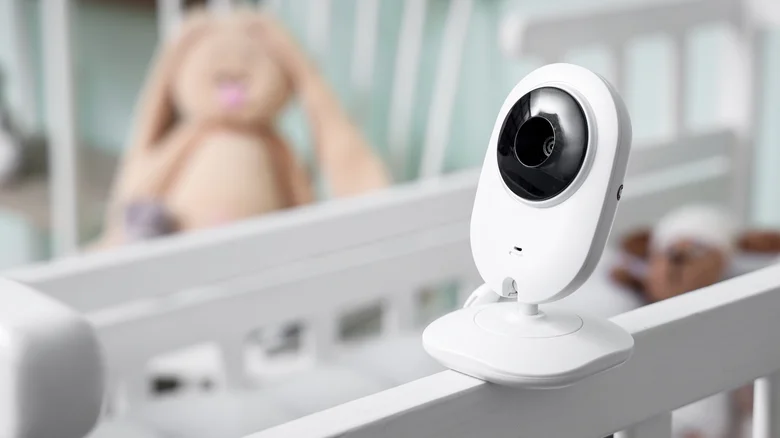
Common household devices that interfere with Wi-Fi signals
A wide range of everyday electronics can disrupt your Wi-Fi network. These devices are often found in close proximity to routers, especially in small apartments or shared spaces.
Household gadgets that cause signal disruption
- Baby monitors
- Cordless phones
- Bluetooth speakers
- Smart TVs
- Security cameras
- Microwave ovens
- Unshielded power cables
Each of these contributes differently to interference, but when combined near a router, they significantly increase network congestion.
Baby monitors, cordless phones, and Bluetooth devices
Why 2.4 GHz devices are a problem
Many wifi router interference gadgets operate on the 2.4 GHz frequency band, which is also used by most Wi-Fi routers. This overlap leads to signal congestion.
Baby monitors and cordless phones are particularly common sources of interference because they continuously transmit signals.
Bluetooth speakers and short-range disruption
Bluetooth devices also rely on the same 2.4 GHz band. While their power output is lower, placing them too close to your router can still cause noticeable slowdowns.
To reduce interference:
- Keep at least 3–10 feet distance from the router
- Avoid stacking electronics near the router
- Switch devices to alternative bands if possible
Even small adjustments in placement can reduce the impact of wifi router interference gadgets dramatically.
Smart TVs, security cameras, and smart home systems
Smart TVs and network congestion
Smart TVs often connect via Wi-Fi and Bluetooth at the same time. This dual connection increases local signal traffic, especially when streaming high-definition content.
If placed near the router, they can contribute to interference and reduced bandwidth availability for other devices.
Security cameras and constant data usage
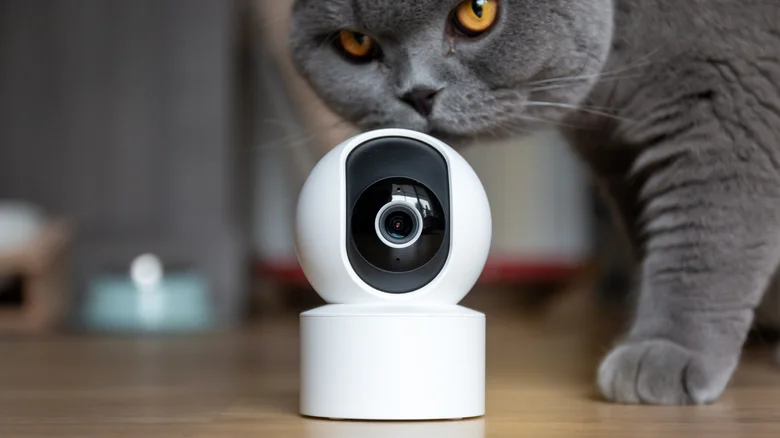
Security cameras continuously upload footage to cloud storage. This doesn’t just consume bandwidth—it also adds pressure to the router’s processing load.
Smart home hubs and device overload
Smart home systems connect multiple devices simultaneously, which increases signal activity around the router. When grouped together, these become major wifi router interference gadgets that reduce overall network efficiency.
Microwave ovens and hidden interference sources
Kitchen appliances and signal disruption
Microwave ovens are often overlooked, but they can temporarily disrupt Wi-Fi signals when in use. This is because they operate on frequencies close to 2.4 GHz.
Other hidden sources include:
- Wireless game controllers
- Baby room monitoring systems
- Poorly shielded electrical wiring
While these may not cause permanent issues, they can contribute to short bursts of instability.
How router frequency bands reduce interference
Modern routers help reduce the impact of wifi router interference gadgets by offering multiple frequency bands.
2.4 GHz band
- Longer range
- More prone to interference
- Commonly shared with household devices
5 GHz band
- Faster speeds
- Less interference
- Shorter range
6 GHz band (Wi-Fi 6E routers)
- Minimal congestion
- High-speed performance
- Best for modern smart homes
Switching devices to higher frequency bands can significantly reduce interference and improve stability.
Best router placement tips for stronger Wi-Fi
Even without changing your internet plan, proper router placement can make a major difference.
Ideal placement practices
- Place the router in a central location
- Keep it elevated (shelves or wall mounts)
- Avoid corners and enclosed cabinets
- Keep away from wifi router interference gadgets
- Maintain distance from thick walls and metal objects
What to avoid
- Placing routers near TVs or speakers
- Keeping them on the floor
- Surrounding them with multiple electronics
Small changes in positioning often lead to immediate improvements in speed.
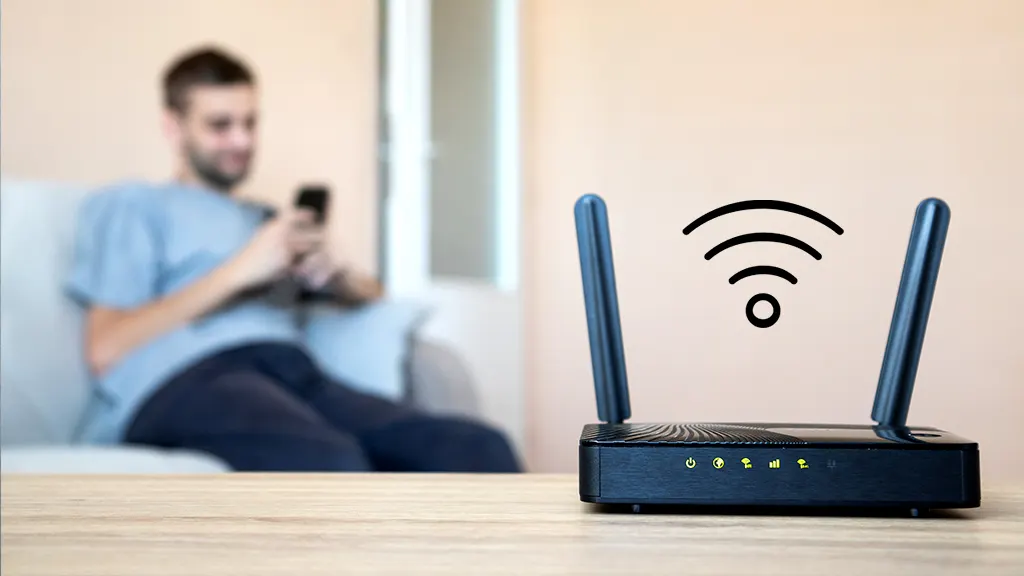
Simple fixes to reduce Wi-Fi interference at home
If your internet feels slow or unstable, you can apply these quick fixes:
Practical solutions
- Move router away from electronic clusters
- Separate smart devices across rooms
- Switch devices to 5 GHz or 6 GHz bands
- Restart router regularly
- Update router firmware
These steps reduce the effect of wifi router interference gadgets and improve overall performance without needing expensive upgrades.
FAQ
Why is my Wi-Fi slow even with a fast internet plan?
Slow Wi-Fi is often caused by interference from nearby electronics rather than your internet provider.
Which gadgets interfere most with Wi-Fi signals?
Baby monitors, cordless phones, smart TVs, and Bluetooth devices are the most common sources.
Can router placement really improve internet speed?
Yes, proper placement away from wifi router interference gadgets can significantly improve speed and stability.
Does upgrading my router remove interference issues?
A modern router helps reduce interference, but placement and nearby devices still play a major role.
Conclusion
Slow internet is not always a service problem—often it is a placement and interference issue caused by everyday electronics. Understanding how wifi router interference gadgets affect your network can help you make simple but effective adjustments.
By repositioning your router and separating it from high-interference devices, you can improve speed, reduce lag, and enjoy a more stable connection without changing your internet plan.
PLEASE CLICK HERE FOR MORE NEWS