


Vivaldi browser customization completely changed how I browse the web on Android. After years of using Google Chrome as my default browser, trying Vivaldi made me realize just how limited Chrome’s customization options really are. While Chrome remains one of the most widely used mobile browsers, Vivaldi delivers a level of personalization, privacy, and productivity that many Android users may not expect.
Built on Chromium, Vivaldi supports modern web standards while giving users far greater control over how the browser looks and behaves. From interface customization to built-in privacy tools, the Vivaldi browser customization experience offers features that go well beyond what Chrome currently provides.
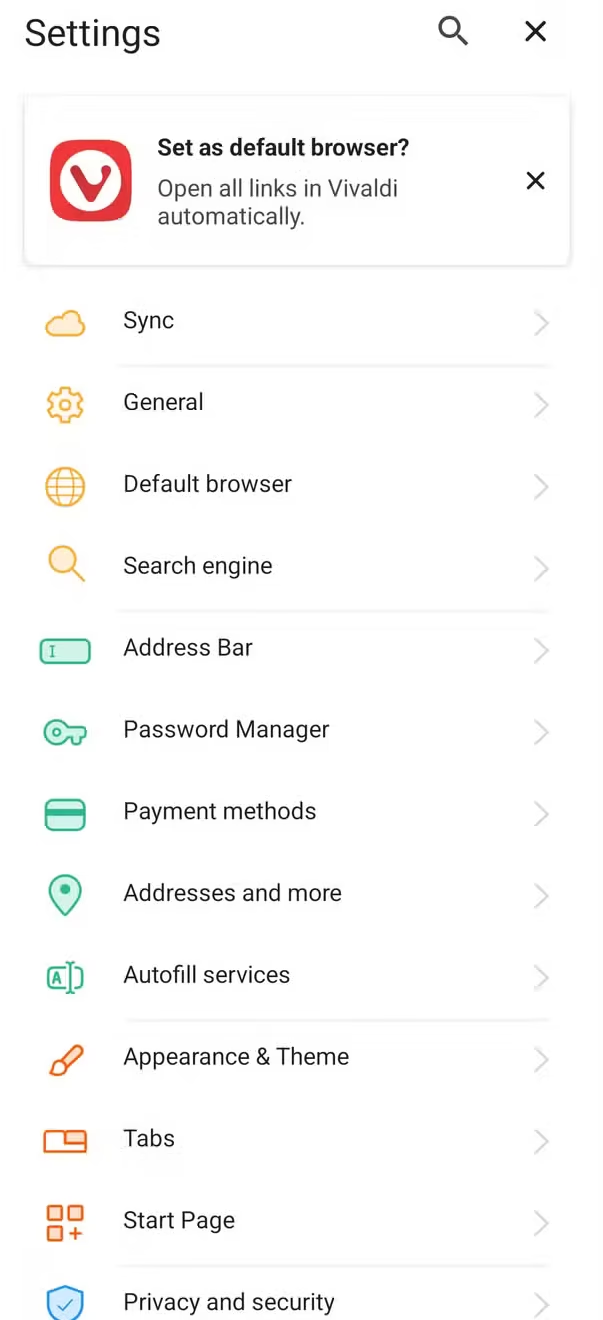

Vivaldi Browser Customization Starts From the First Launch
Unlike Chrome, which offers only a handful of personalization options, Vivaldi begins with a guided setup that allows users to customize the browser immediately after installation.
During setup, users can choose:
- Address bar position
- Tab location
- Tab display style
- Browser theme
- Privacy preferences
The entire process takes less than a minute and allows users to tailor the browser to their personal browsing habits.
More Control Over the Interface
One of the biggest strengths of Vivaldi browser customization is the freedom to modify the browser interface.
Users can:
- Customize the menu bar
- Rearrange frequently used buttons
- Hide the Android status bar
- Change the browser wallpaper
- Match browser colors with the phone’s system theme
These features make the browsing experience more flexible compared to Chrome’s relatively fixed design.
A Personalized Browsing Experience
Instead of forcing users to adapt to one interface, Vivaldi allows the browser to adapt to individual preferences.
Whether someone prefers top or bottom navigation, minimal layouts, or quick access to favorite tools, the browser provides plenty of options.
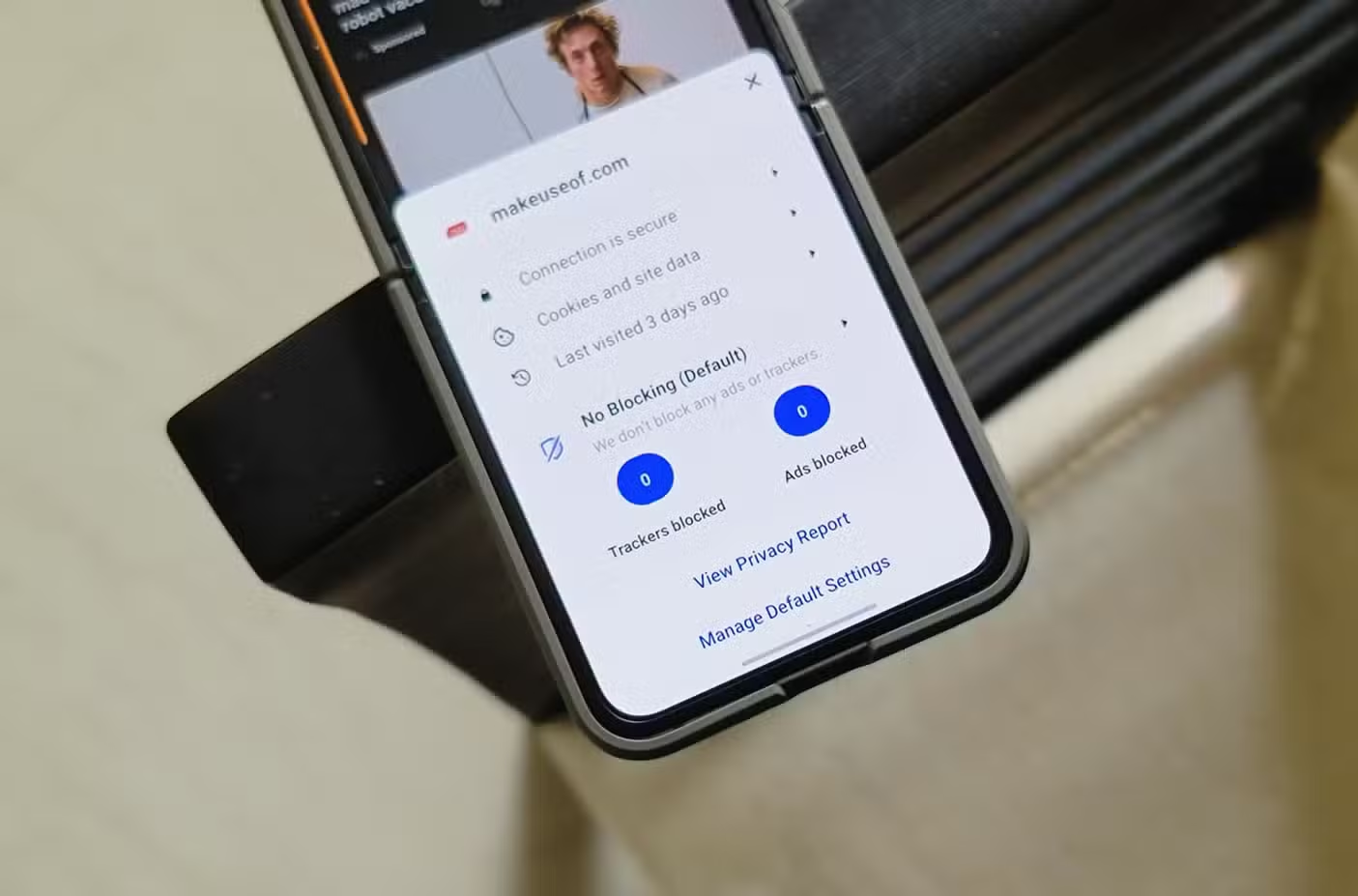

Built-In Privacy Features Without Extra Apps
Privacy is another area where Vivaldi browser customization stands out.
Chrome offers basic privacy controls on Android, but it lacks built-in ad blocking and tracker protection.
Vivaldi includes both features without requiring additional applications or browser extensions.
Privacy Features Included
Vivaldi comes with:
- Integrated ad blocker
- Tracker blocking
- Secure DNS support
- HTTPS-only browsing option
- Enhanced private browsing protection
These tools help improve security while reducing unwanted tracking across websites.
Better Protection for Private Tabs
Another useful feature is the ability to lock private browsing tabs when switching away from the app.
This adds another layer of privacy by preventing others from viewing private sessions if they access the device.
Productivity Features Go Beyond Basic Browsing
The Vivaldi browser customization experience also includes several built-in productivity tools designed for users who spend significant time browsing the web.
Rather than installing additional apps, many common tasks can be handled directly inside the browser.
Useful Built-In Tools
Some standout features include:
- Notes for saving ideas while browsing
- Full-page screenshot capture
- Search engine shortcuts
- Page Actions for customizing website appearance
These tools help users stay productive without constantly switching between applications.
Search Nicknames Save Time
One particularly useful feature allows users to assign short keywords to different search engines.
For example:
- “g” for Google
- “w” for Wikipedia
- “b” for Bing
Typing the shortcut followed by a search term automatically performs the search using the selected engine.
Chrome Still Has Advantages
Despite the strengths of Vivaldi browser customization, Chrome continues to offer several benefits.
As Google’s default browser on Android, Chrome provides:
- Excellent website compatibility
- Seamless Google account synchronization
- Strong integration with Android services
- Familiar user interface
- Reliable performance
For users who prefer simplicity, Chrome remains a dependable option.
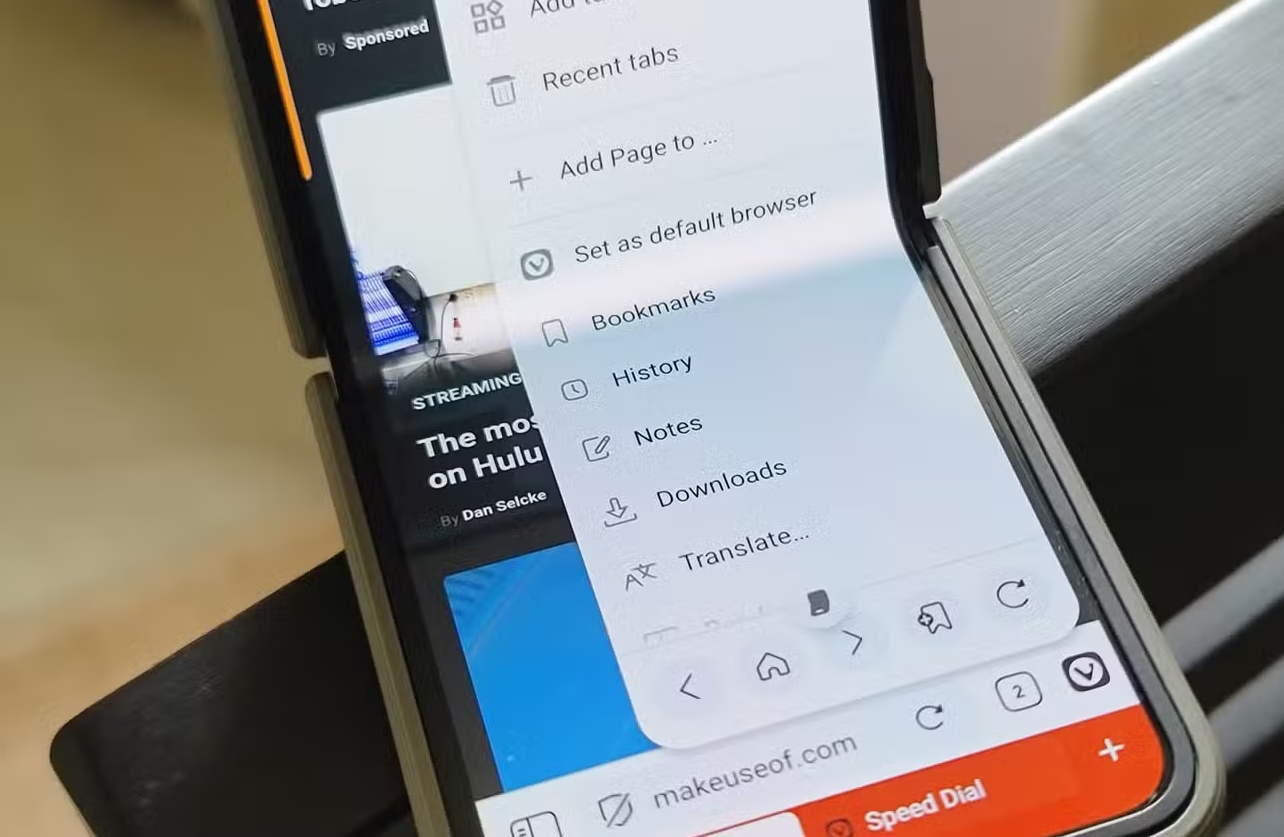

Is Vivaldi Worth Switching To?
For Android users who value personalization and privacy, Vivaldi offers a compelling alternative.
Its combination of interface customization, integrated privacy protection, and productivity tools creates a browsing experience that feels far more adaptable than Chrome.
While the extensive settings may seem overwhelming at first, most users can gradually explore new features over time without needing to change everything at once.
Vivaldi Continues to Grow Among Power Users
As more users look for browsers that balance performance with greater control, Vivaldi continues to attract attention.
Its Chromium foundation ensures compatibility with modern websites while allowing users to customize nearly every aspect of the browser.
For anyone seeking a browser that goes beyond basic web browsing, Vivaldi provides one of the most feature-rich experiences currently available on Android.
Frequently Asked Questions
What makes Vivaldi browser customization different from Chrome?
Vivaldi browser customization offers extensive interface personalization, built-in privacy tools, customizable menus, and productivity features that are not available in Chrome.
Is Vivaldi based on Chromium?
Yes. Vivaldi is built on the Chromium engine, providing compatibility with modern websites while adding many unique customization features.
Does Vivaldi include an ad blocker?
Yes. Vivaldi includes a built-in ad blocker and tracker blocker without requiring additional extensions or apps.
Should Android users switch from Chrome to Vivaldi?
It depends on individual preferences. Users who prioritize customization, privacy, and productivity tools may find Vivaldi a stronger choice, while those who prefer Google’s ecosystem may continue to prefer Chrome.
Conclusion
The Vivaldi browser customization experience demonstrates how much flexibility Android users can have without sacrificing performance or compatibility. With powerful personalization options, built-in privacy protections, and practical productivity tools, Vivaldi offers a compelling alternative to Chrome for users seeking greater control over their browsing experience. While Chrome remains a reliable default browser, Vivaldi shows that mobile web browsing can be far more customizable and feature-rich.
PLEASE CLICK HERE FOR MORE NEWS


