 0
0
 0
0
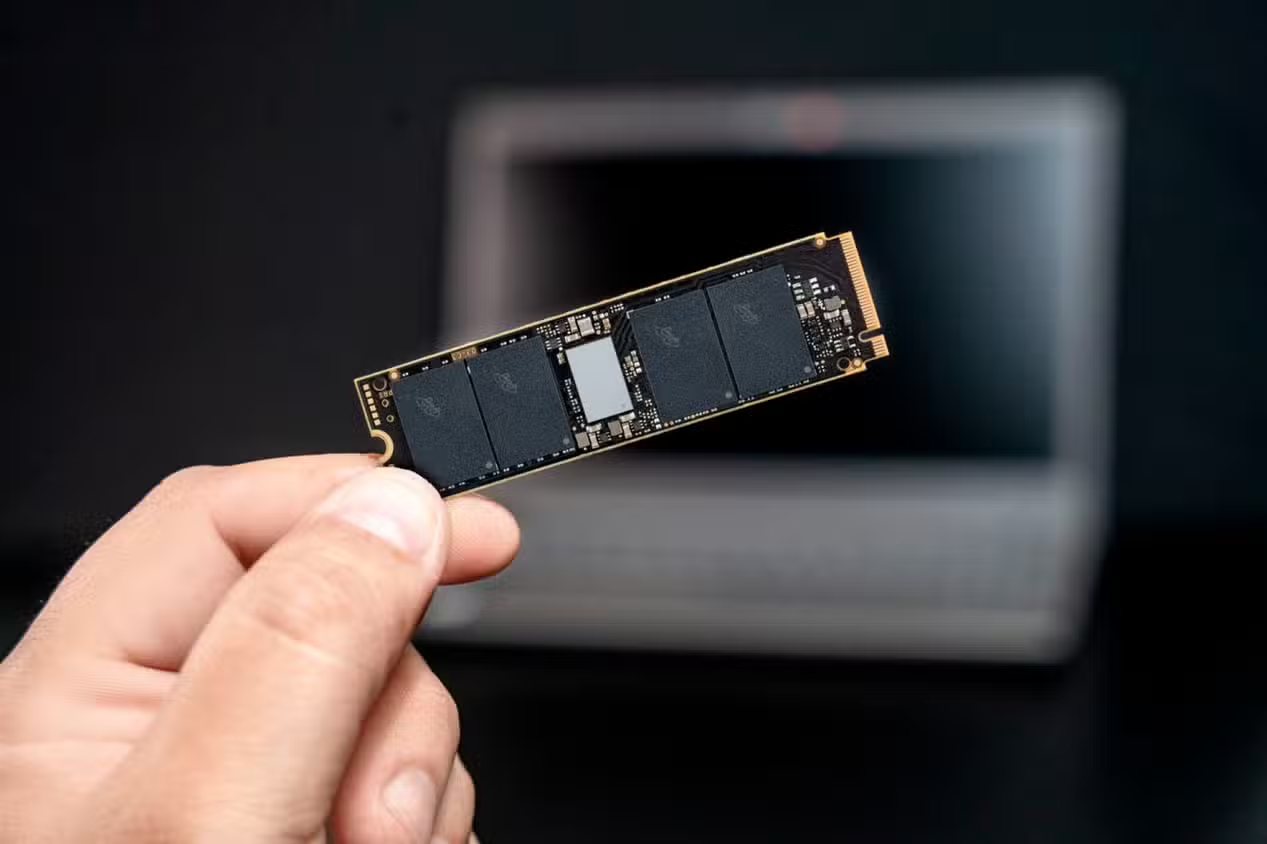
NVMe SSD vs SATA SSD comparisons often highlight the massive speed advantage of NVMe drives. On paper, even PCIe Gen3 NVMe SSDs are several times faster than traditional SATA SSDs in sequential read and write speeds. However, real world performance can tell a different story.
In certain workloads, your NVMe SSD sustained performance may actually feel worse than a high quality SATA SSD. The reason lies not in the interface, but in the NAND type and cache configuration inside the drive.
QLC NAND NVMe SSD Can Slow Down Under Heavy Loads
One of the biggest reasons an NVMe drive may disappoint is the use of QLC NAND. Understanding TLC vs QLC NAND is critical when choosing storage.
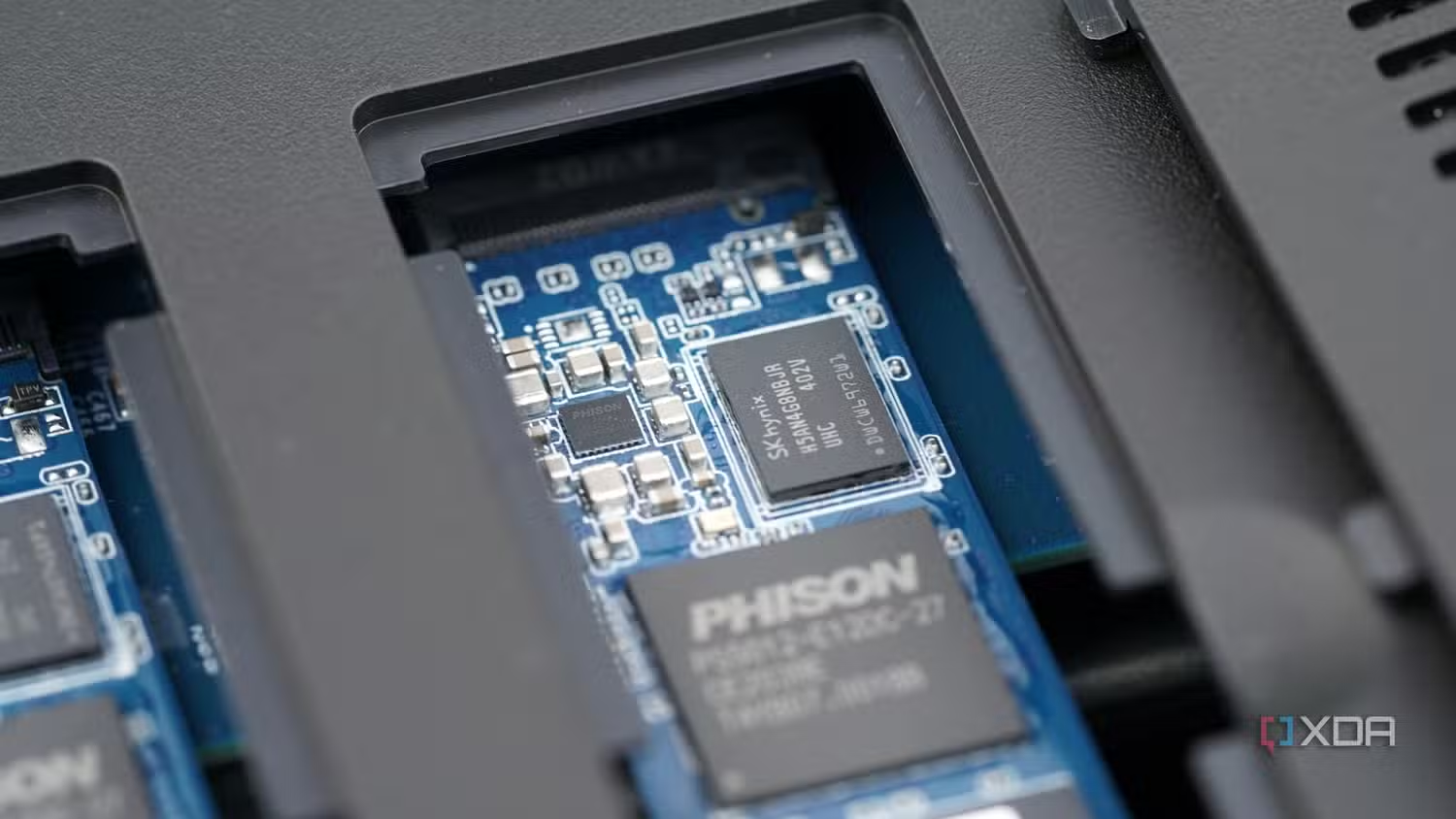
NAND types include:
-
SLC storing one bit per cell
-
MLC storing two bits per cell
-
TLC storing three bits per cell
-
QLC storing four bits per cell
A QLC NAND NVMe SSD stores more data per cell, making it cheaper and denser. However, this design increases complexity for the controller, especially during write operations.
Many QLC drives use a pseudo SLC cache, typically around 10 percent of the total capacity, to maintain high burst speeds. Once that cache fills during large file transfers, speeds can drop dramatically. In some cases, sustained write speeds can fall close to hard drive levels.
For example, comparing a QLC NVMe SSD like the Crucial P3 Plus with a TLC based SATA drive such as the Samsung 870 EVO shows how TLC can outperform QLC during extended workloads.
This is where NVMe SSD sustained performance becomes more important than peak benchmark numbers.
DRAMless NVMe SSD Limitations
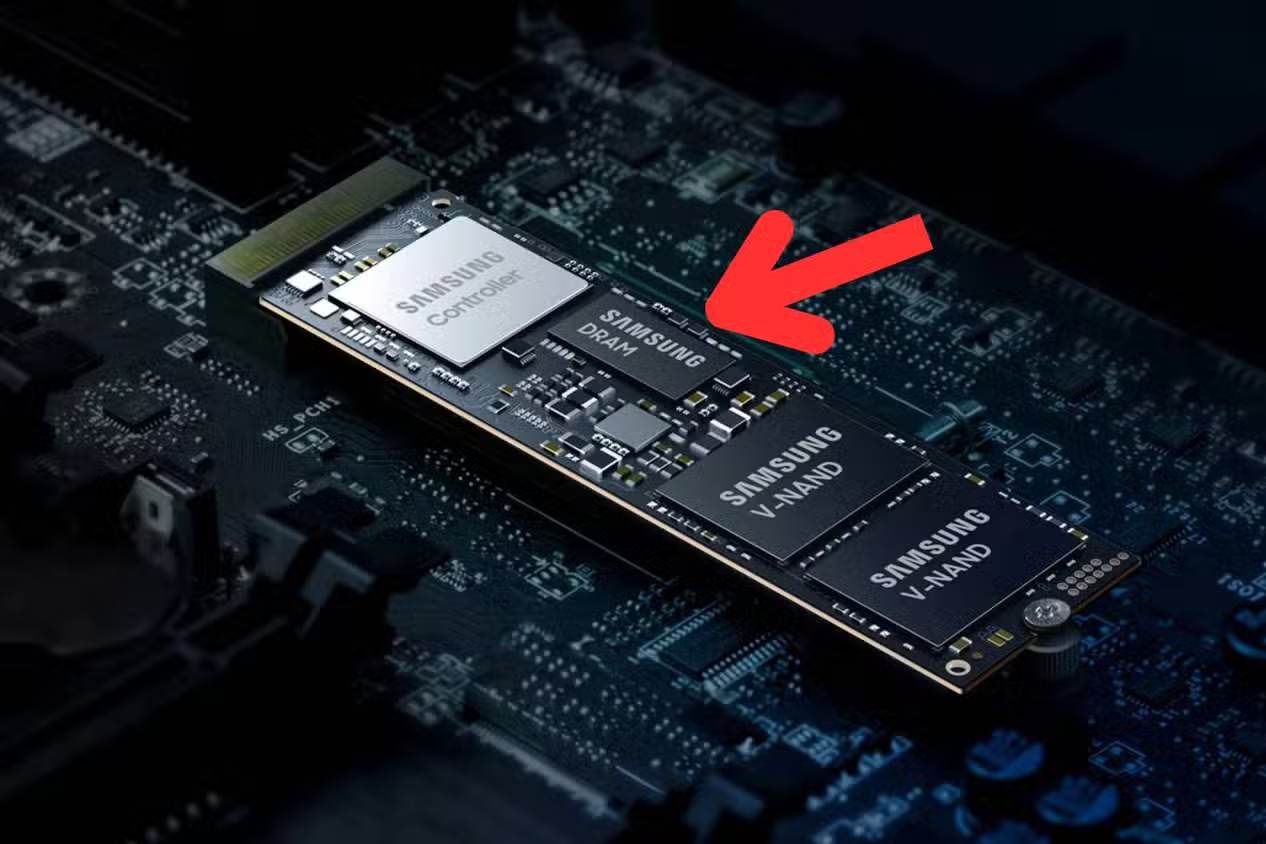
Another factor that affects NVMe SSD vs SATA SSD performance is the presence of DRAM cache.
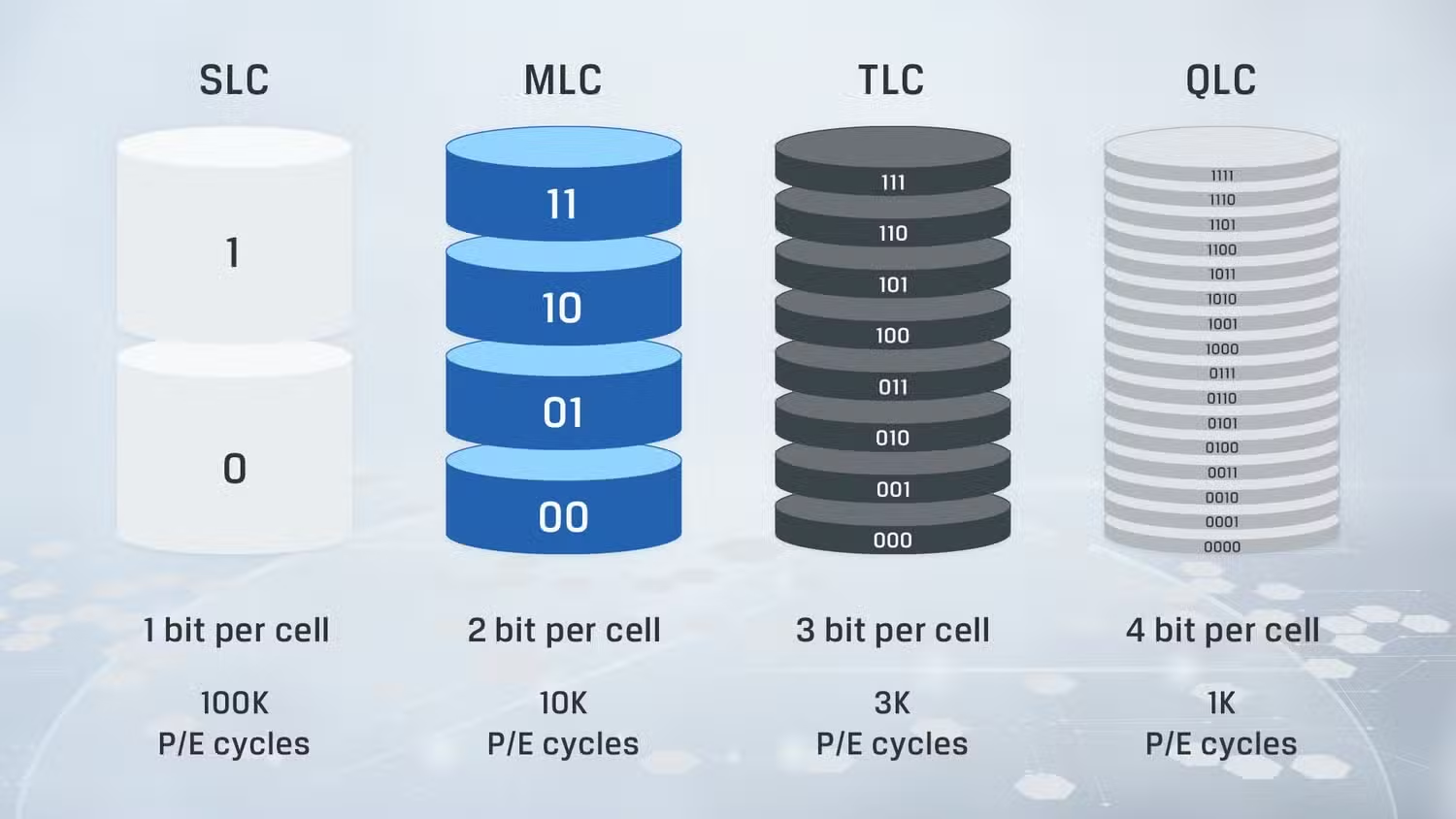
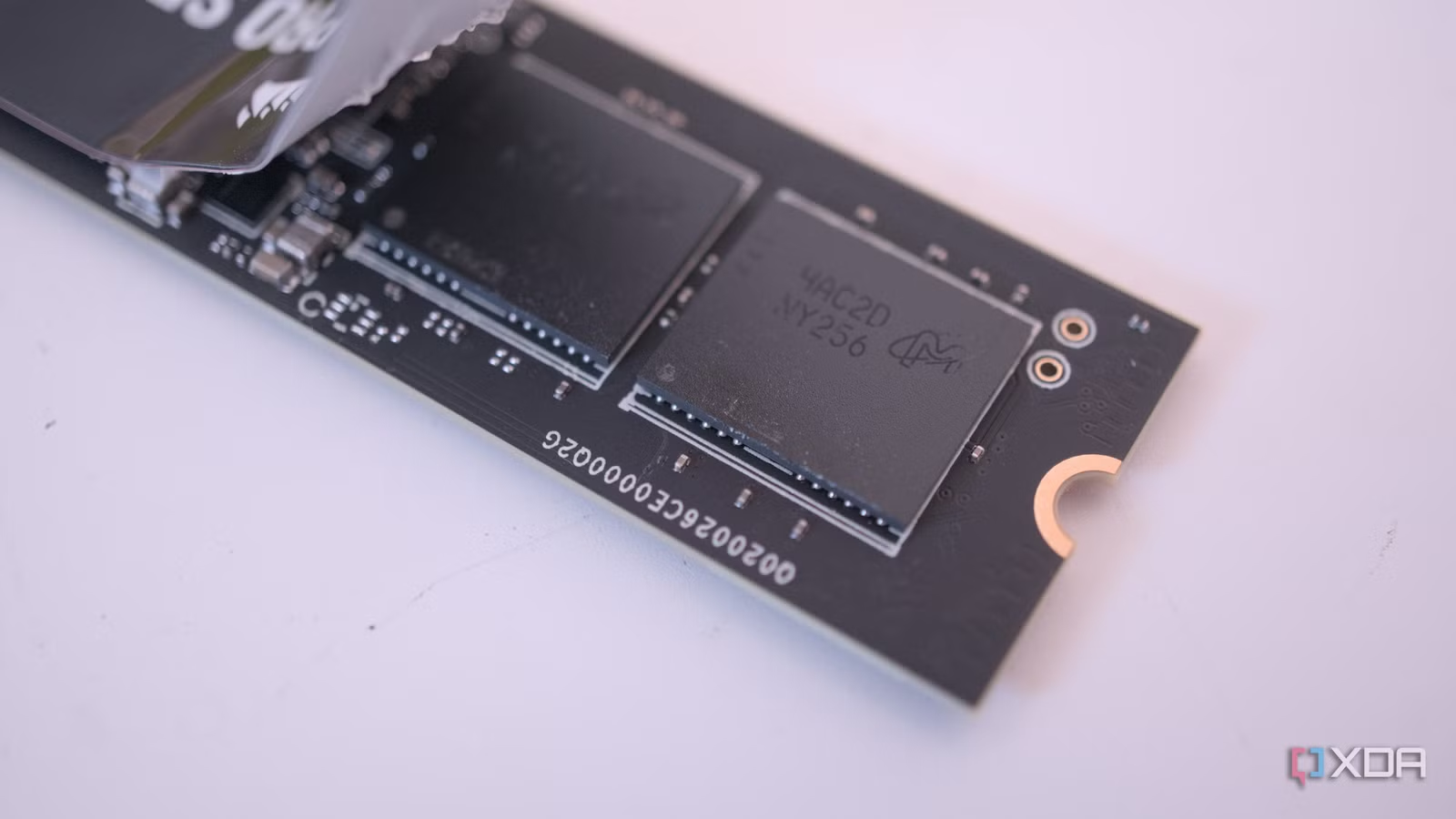
A DRAMless NVMe SSD lacks a dedicated DRAM chip that stores metadata about where data is located on the NAND. Without DRAM, the controller must work harder to track data, which can reduce efficiency during write heavy tasks.
Some modern DRAMless NVMe drives use Host Memory Buffer technology to borrow system RAM. While this improves performance for light workloads such as gaming and web browsing, it does not fully replace dedicated DRAM in sustained write scenarios.
A SATA SSD with TLC NAND and a dedicated DRAM cache can outperform a DRAMless NVMe SSD in tasks like:
-
Video editing
-
Large file transfers
-
Streaming workflows
-
Database management
-
Home lab environments
In these cases, the SATA drive may feel more responsive despite having lower theoretical speeds.
NVMe SSD Sustained Performance vs Peak Speeds
Marketing often focuses on sequential speeds reaching 5000 MB per second or higher. However, those numbers usually apply to short bursts.
Once the SLC cache is exhausted on a QLC NAND NVMe SSD, write speeds can collapse. This makes NVMe SSD sustained performance the true measure of real world usability for professionals.
A premium NVMe drive such as the Samsung 980 Pro with TLC NAND and DRAM cache maintains high speeds even during long transfers. But not all NVMe drives offer that level of consistency.
This explains why some users report that their NVMe SSD feels slower than their previous SATA SSD.
TLC vs QLC NAND and Endurance Differences
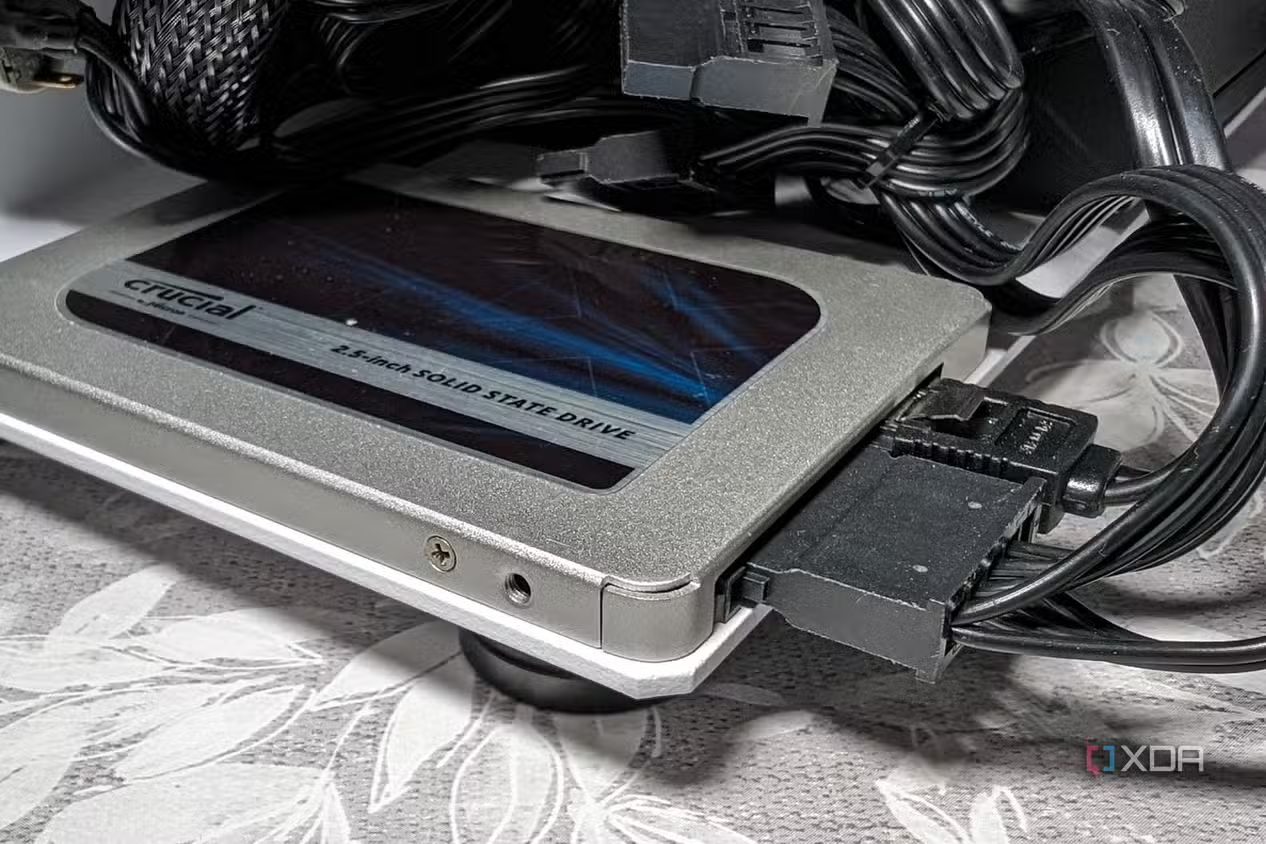
Beyond speed, TLC vs QLC NAND also impacts durability. QLC NAND generally has lower write endurance because each cell handles more bits of data.
For users working with sensitive projects or large creative files, endurance matters just as much as performance. Choosing a TLC based drive reduces the risk of premature wear compared to entry level QLC options.
When NVMe SSD vs SATA SSD Still Favors NVMe
Despite these limitations, NVMe drives remain the better option for most users.
For:
-
Gaming
-
Boot drive use
-
Web browsing
-
Office applications
-
General OS tasks
Even a DRAMless NVMe SSD is usually more than fast enough. The price gap between SATA and NVMe has narrowed significantly, making NVMe the logical default choice.
The key takeaway is not that SATA is better, but that NVMe SSD vs SATA SSD comparisons depend heavily on NAND type and cache design.
How to Buy Smarter
Before purchasing an NVMe SSD, check:
-
Whether it uses TLC or QLC NAND
-
Whether it has dedicated DRAM
-
Reviews covering sustained performance, not just peak speeds
If you rarely move massive files, a QLC or DRAMless NVMe SSD may serve you well. However, professionals running sustained workloads should prioritize TLC NAND and DRAM cache.
Conclusion
NVMe SSD vs SATA SSD discussions can be misleading if they focus only on interface speed. A QLC NAND NVMe SSD or DRAMless NVMe SSD may struggle under heavy workloads, allowing a well equipped SATA SSD to outperform it.
Understanding TLC vs QLC NAND and prioritizing NVMe SSD sustained performance ensures you make smarter storage decisions.
PLEASE CLICK HERE FOR MORE NEWS