


The Hiren BootCD Windows recovery tool is once again gaining attention among PC users after a technology enthusiast shared how the software rescued a completely unusable Windows laptop when nothing else worked.
The Hiren BootCD Windows recovery tool is essential for users looking for a reliable solution for their PC issues.
Despite being more than two decades old, Hiren’s BootCD remains one of the most trusted emergency recovery tools for damaged Windows systems. The utility package includes dozens of repair programs designed to restore boot failures, remove malware, recover files, and repair corrupted operating systems.
Many modern troubleshooting apps focus on single issues, but Hiren’s BootCD combines multiple recovery features into one lightweight bootable toolkit that can run directly from a USB drive.
Why Hiren’s BootCD Still Matters in 2026
The Hiren BootCD Windows recovery tool has evolved to meet modern challenges while retaining its core functionalities.
Hiren’s BootCD first became popular during the Windows XP era when operating systems frequently suffered from registry corruption, driver conflicts, and bootloader failures.
Although Windows has improved significantly over the years, many advanced recovery issues still require external repair tools. That is where the Hiren BootCD Windows recovery tool continues to stand out.
This Hiren BootCD Windows recovery tool is particularly useful in situations where traditional recovery methods fail.
The latest version, known as Hiren’s BootCD PE, is maintained by community developers after the original creator stopped updating the software in 2012.
Unlike earlier editions, the modern version no longer contains cracked commercial software, making it safer and more acceptable for everyday users and IT professionals.
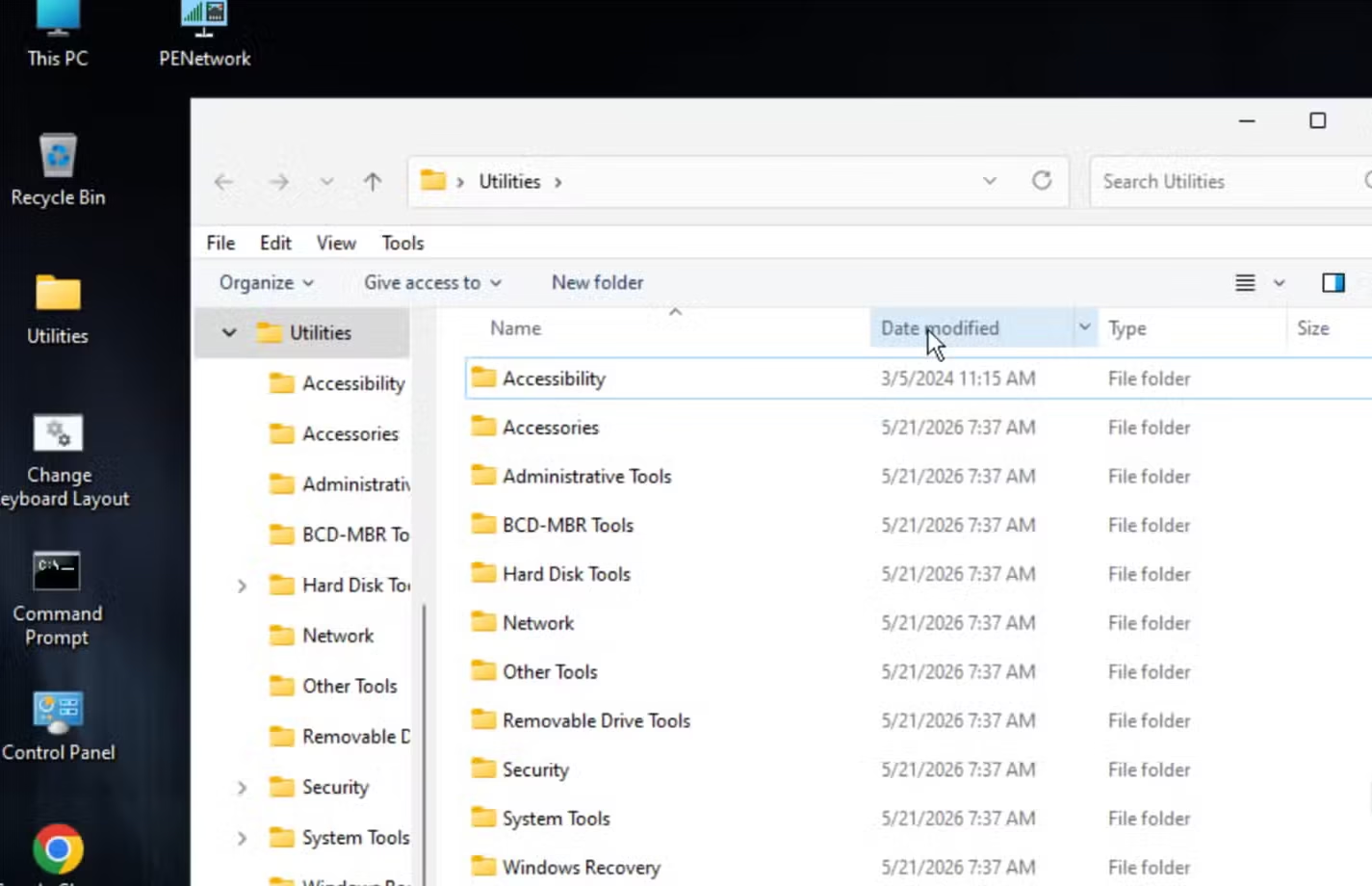

Lightweight but Powerful Recovery Utility
As a lightweight tool, the Hiren BootCD Windows recovery tool maximizes efficiency without sacrificing power.
One reason the software remains popular is its small size.
The complete recovery environment is roughly 3GB, allowing users to install it on nearly any USB flash drive. Once booted, the system provides access to:
- Disk recovery tools
- Antivirus utilities
- Boot repair software
- Password reset tools
- Hardware diagnostics
- Network troubleshooting apps
- Data recovery programs
The toolkit essentially creates a portable emergency operating system that works independently from the damaged Windows installation.
Using the Hiren BootCD Windows recovery tool can significantly reduce downtime during emergencies.
Designed for Serious Windows Problems
Many common PC issues can prevent Windows from starting properly. These include:
Many users depend on the Hiren BootCD Windows recovery tool to address these issues quickly and effectively.
- Corrupted boot sectors
- Damaged Windows files
- Malware infections
- Broken registry entries
- Driver conflicts
- Failed updates
- Forgotten passwords
The Hiren BootCD Windows recovery tool allows users to bypass those problems and directly access repair utilities from outside the operating system.
The versatility of the Hiren BootCD Windows recovery tool allows users to tackle a variety of PC problems.

Real-World Story Behind the Tool’s Popularity
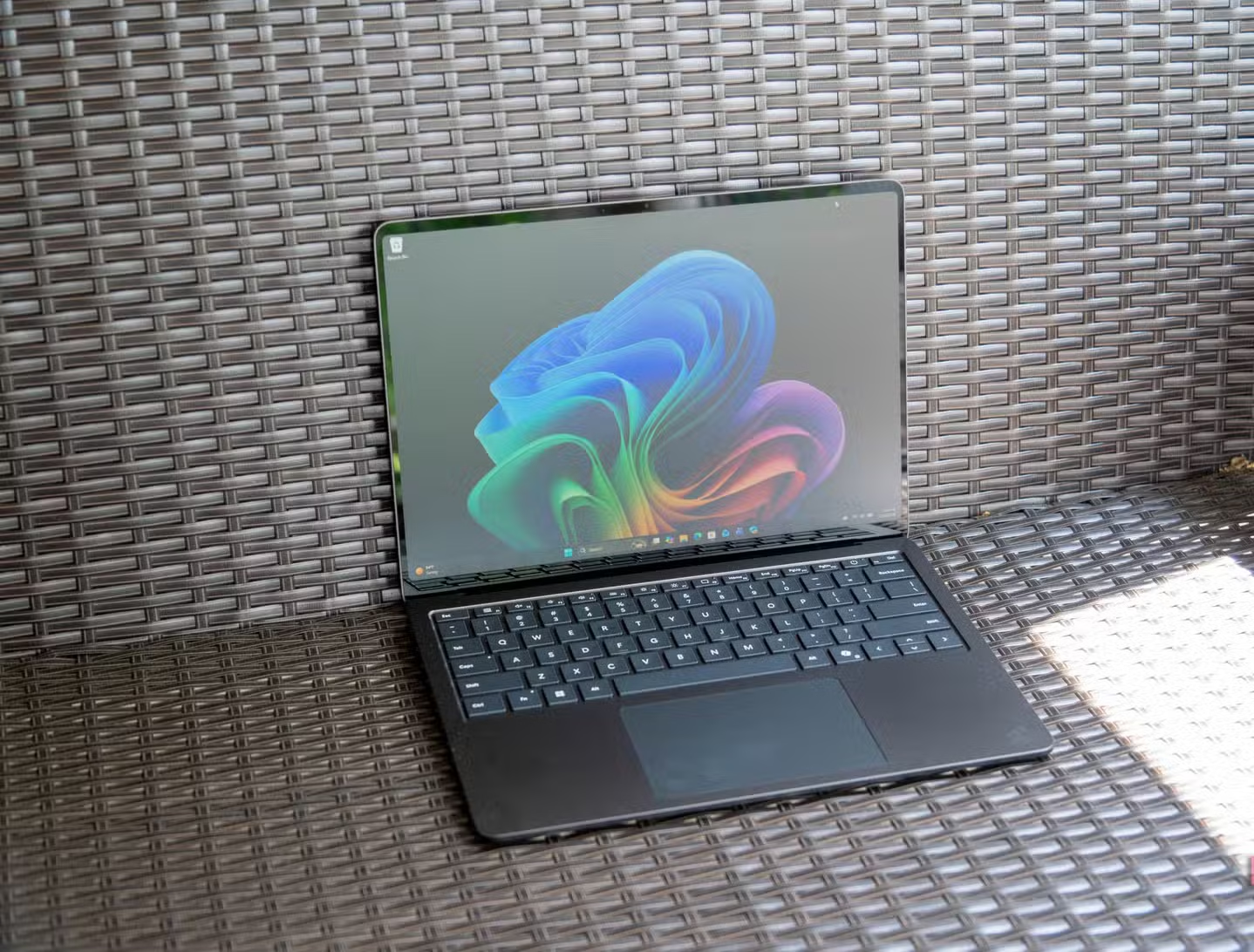
A longtime technology user recently described how Hiren’s BootCD helped recover a Samsung laptop that appeared permanently broken after a failed Linux dual-boot removal.
According to the account, the user had installed Ubuntu Linux alongside Windows 7 on a Samsung laptop. After later removing Ubuntu, the machine stopped booting normally.
Instead of loading Windows or the standard UEFI menu, the computer displayed only a basic BIOS screen similar to older systems from the 1990s.
Hidden BIOS Partition Caused the Failure
After extensive troubleshooting, the problem was traced to a hidden Samsung firmware setup.
The laptop stored part of its secure boot information on an eMMC partition invisible to Windows. During the Linux removal process, the GRUB bootloader accidentally erased the critical firmware partition.
The only available fix required running Samsung’s BIOS updater inside a working Windows environment.
Hiren’s BootCD Provided the Solution
Because the laptop could not boot Windows normally, the recovery environment inside Hiren’s BootCD became the only working solution.
This highlights the importance of the Hiren BootCD Windows recovery tool in today’s tech landscape.
The tool allowed access to a temporary Windows desktop environment where the BIOS updater could finally run successfully.
Without the recovery toolkit, the laptop would likely have remained unusable.
Features Included in Hiren’s BootCD PE
The modern version of the software contains an extensive collection of repair utilities.
The features of the Hiren BootCD Windows recovery tool enable users to handle complex issues with ease.
Security and Malware Removal
One of the strongest areas of the Hiren BootCD Windows recovery tool is malware detection and removal.
With the Hiren BootCD Windows recovery tool, users can confidently address their security concerns.
The software includes several antivirus scanners capable of detecting infections even when Windows itself cannot start.
This is especially useful for ransomware or boot-sector malware attacks that disable access to the operating system.
Boot Repair and BCD Recovery
Windows bootloader problems remain among the most common causes of startup failure.
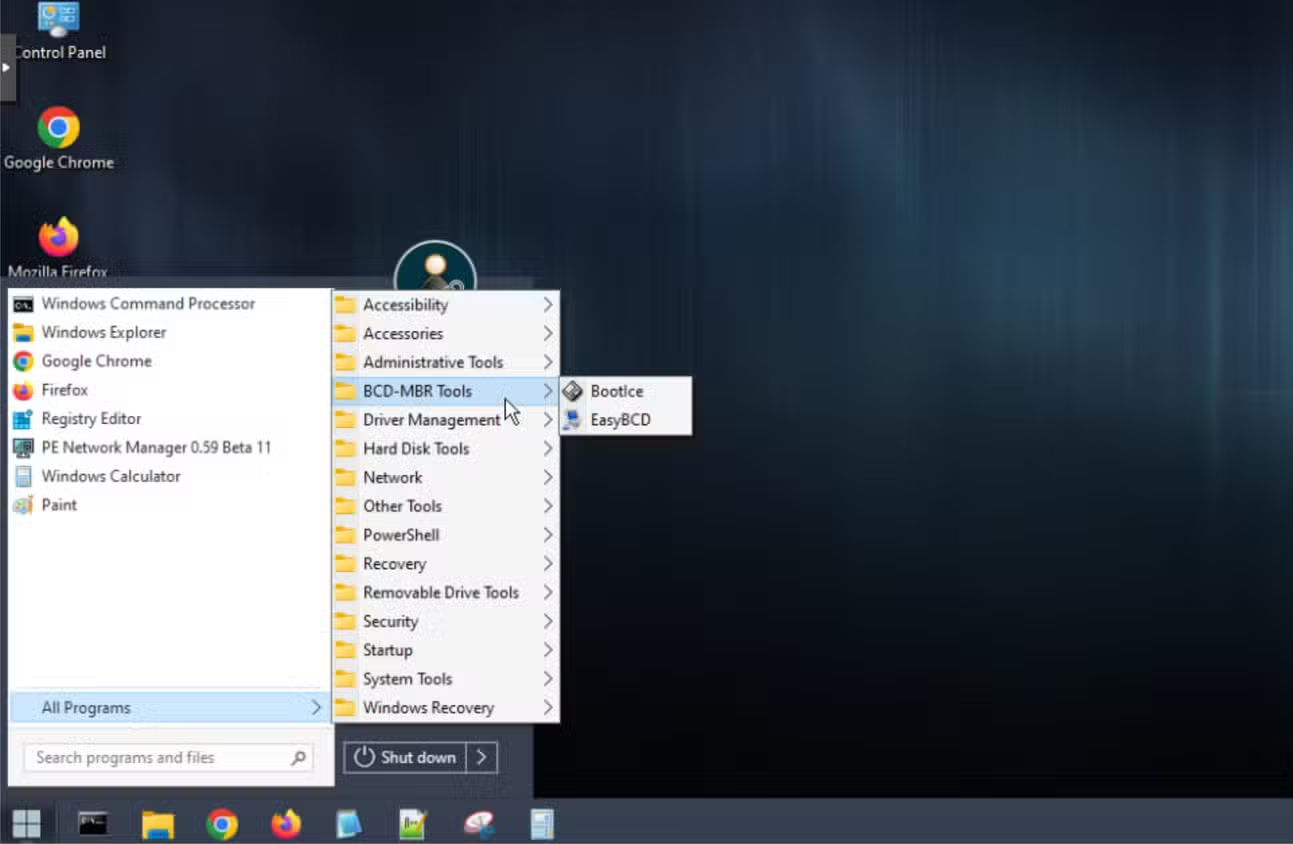
Hiren’s BootCD includes tools that can:
- Repair damaged BCD files
- Restore MBR partitions
- Rebuild boot sectors
- Fix endless recovery loops
These utilities are particularly useful after failed updates or improper disk partition changes.
Password Recovery Utilities
The toolkit also provides password recovery options for locked systems.
The Hiren BootCD Windows recovery tool simplifies the process of recovering locked systems.
Users can reset forgotten local Windows passwords or repair damaged login profiles without reinstalling the operating system.
Hardware Diagnostic Tools
Beyond software recovery, the toolkit includes hardware analysis programs that can test:
- Hard drives
- SSD health
- RAM stability
- CPU temperatures
- Motherboard sensors
These tests help users determine whether a problem is software-related or caused by failing hardware.

Why Old-School Recovery Tools Still Work
For many, the Hiren BootCD Windows recovery tool represents a reliable fallback during system failures.
Many experts believe older utilities like Hiren’s BootCD remain effective because Windows still relies on decades of underlying architecture.
Even modern versions of Windows continue using boot structures, recovery systems, and file repair methods similar to earlier generations.
Windows Recovery Has Improved but Not Perfected
Microsoft has added several built-in recovery options to Windows 10 and Windows 11.
These include:
- Startup Repair
- Safe Mode
- System Restore
- Reset This PC
- Recovery Environment
However, severe corruption or failed firmware interactions can still render those tools unusable.
That is why external recovery environments remain important.
USB Recovery Kits Remain Essential
Many IT technicians still keep dedicated recovery USB drives available for emergencies.
A portable recovery toolkit can save hours of troubleshooting and prevent complete operating system reinstalls.
The Hiren BootCD Windows recovery tool remains one of the most widely recommended free options because of its broad compatibility and extensive utility collection.
Ultimately, the Hiren BootCD Windows recovery tool stands as a staple in the toolkit of IT professionals.
How Hiren’s BootCD Has Changed Over the Years
The earliest versions of Hiren’s BootCD became controversial because they included unofficial copies of paid commercial software.
That issue eventually disappeared as later versions transitioned to fully legal freeware and open-source utilities.
Community Developers Now Maintain the Project
The current version is maintained by independent developers rather than the original creator.
The newer PE edition uses a Windows-based preinstallation environment that supports modern hardware more effectively than the older XP-based releases.
This evolution has ensured that the Hiren BootCD Windows recovery tool remains relevant in a changing environment.
This makes the software compatible with:
- Windows 10
- Windows 11
- Modern SSDs
- UEFI systems
- USB 3.0 devices
Future of Windows Recovery Tools
As Windows evolves, recovery utilities will likely continue adapting alongside newer operating system changes.
Artificial intelligence and cloud-based repair systems may eventually automate many troubleshooting tasks, but physical recovery environments will still be necessary for severe failures.
For now, tools like Hiren’s BootCD continue proving that older software can remain highly relevant when designed around practical repair needs.
As technology continues to advance, the Hiren BootCD Windows recovery tool proves that practical solutions endure.
FAQ
What is Hiren BootCD used for?
Hiren’s BootCD is used to repair damaged Windows systems, recover lost files, remove malware, fix boot errors, and diagnose hardware problems.
Is Hiren’s BootCD safe to use in 2026?
Yes. The modern Hiren’s BootCD PE version no longer contains cracked commercial software and is considered safe for legitimate recovery use.
Can Hiren’s BootCD fix Windows boot problems?
Yes. The software includes bootloader repair tools that can rebuild damaged BCD files, restore MBR partitions, and repair startup failures.
Does Hiren’s BootCD work with Windows 11?
Yes. The latest Hiren’s BootCD PE version supports Windows 10 and Windows 11 systems, including modern UEFI hardware.
The continued popularity of Hiren’s BootCD shows that reliable recovery software does not always need cutting-edge design to remain useful. Even after more than 20 years, the toolkit still helps users repair corrupted systems, recover important files, and restore inaccessible PCs when standard recovery methods fail.
PLEASE CLICK HERE FOR MORE NEWS


