 0
0
 0
0
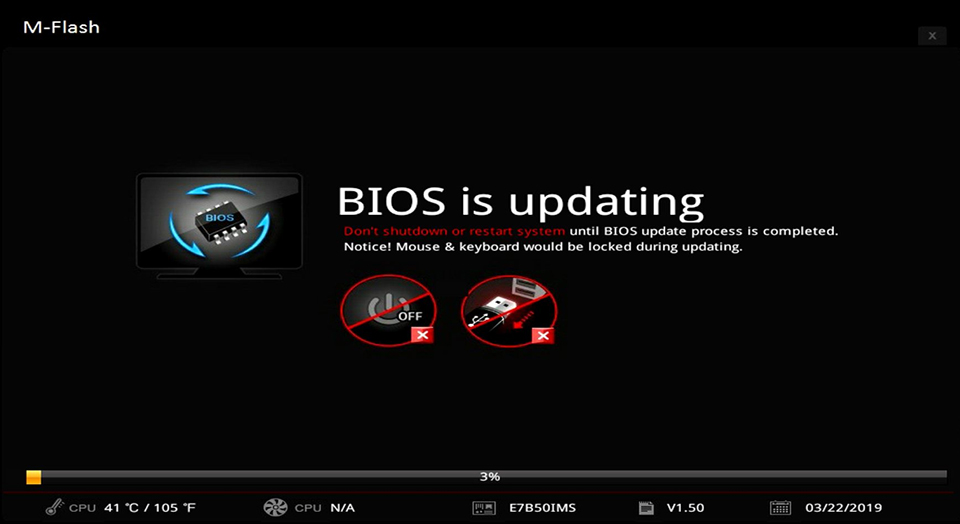
When people talk about upgrading a PC, they usually mean new hardware like a faster CPU, more RAM, or a better graphics card. Very few users think about updating their BIOS, and even fewer check it regularly.
For most systems, a BIOS update only happens when something goes wrong or when new hardware fails to boot. This habit causes many users to miss out on performance improvements, stability fixes, and important security protections that cost nothing to install.
Modern BIOS firmware is no longer a set once and forget system. Manufacturers now release updates frequently, turning the BIOS into an evolving part of your PC that can improve how your hardware performs and ages.
BIOS Updates Can Unlock Free Performance

Motherboard vendors now use BIOS updates to deliver performance improvements through microcode and optimization tweaks. These changes can improve CPU scheduling, power delivery, and core behavior without requiring new hardware.
Recent BIOS updates from major manufacturers showed performance gains of up to 15 to 20 percent in certain gaming workloads. In some cases, standard processors were able to rival higher tier models simply through better firmware tuning.
These gains vary depending on workload, cooling, and system configuration, but they highlight how much performance users can leave unused by skipping BIOS updates.
BIOS Updates Extend Hardware Lifespan
Many users assume factory motherboard settings are always safe and optimized. In reality, some default configurations have caused long term stability issues and even accelerated hardware wear.
Features that control CPU boost behavior have previously shipped with aggressive defaults on some boards, leading to sustained overclocking and higher voltage levels. BIOS updates are often used to correct these behaviors and restore safer operating limits.
Without updating firmware, users may unknowingly run settings that reduce the lifespan of their components and cause issues that appear much later.
BIOS Updates Protect Against Serious Security Risks
System security is not only about antivirus software and operating system patches. Firmware level vulnerabilities can compromise a system before the OS even loads.
Over the past few years, researchers have uncovered BIOS and UEFI flaws that allow attackers to exploit voltage control, boot logos, and hardware initialization routines. Because these issues exist below the operating system, traditional security tools cannot detect or block them.
Manufacturers respond to these threats through BIOS updates. Systems that never receive firmware updates remain exposed, even if the operating system is fully patched.
How Often Should You Update Your BIOS
BIOS updates do not need the same attention as operating system updates. For most stable systems, checking for critical BIOS updates every six to twelve months is sufficient.
Users running new platforms or recently released motherboards should check more often, especially in the first year, as manufacturers tend to fix early bugs and unlock additional performance during that period.

Why BIOS Updates Deserve More Attention
BIOS updates offer performance gains, improved stability, longer hardware life, and stronger security without requiring new purchases. Despite this, they remain one of the least checked aspects of PC maintenance.
For users looking to get the most value and longevity from their systems, keeping BIOS firmware reasonably up to date is one of the simplest upgrades available.